
How people join Hey Neighbor chats by text
Hey Neighbor LLC runs private group chats by text. Nobody gets a chat's messages until they reply JOIN to one invitation text. There are three ways to get that invitation:
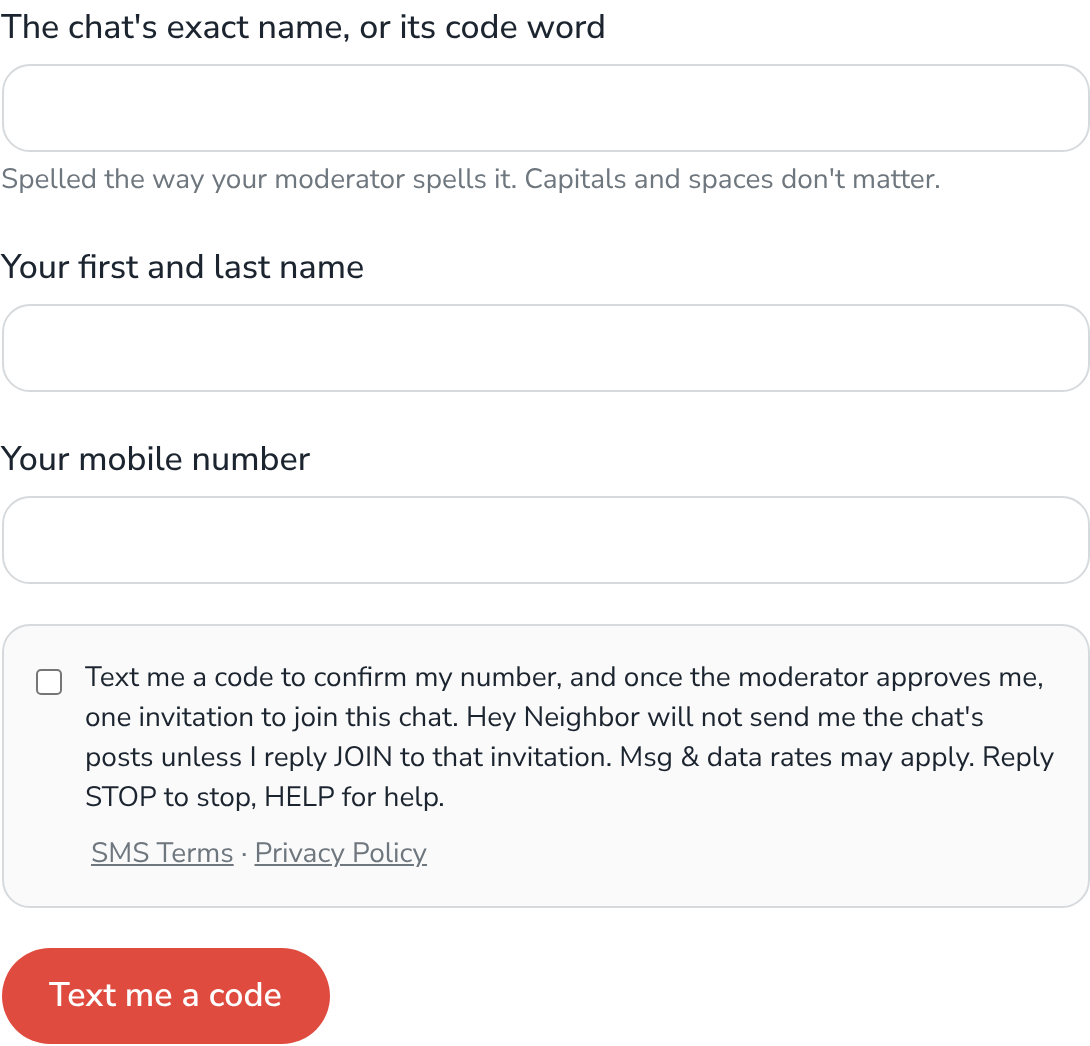
1. Ask on our website.
At hey-neighbor.com/ask-to-join, enter your mobile number and tick the box (it starts unticked).
2. Text HEY to the chat's number.
The moderator gives the chat's number to people who ask to join. Texting HEY gets one reply:
Hey Neighbor: thanks, [Name]. Your request to join [chat] is with its moderator. You'll get a text when you're approved. Msg & data rates may apply. Reply STOP to stop or HELP for help.
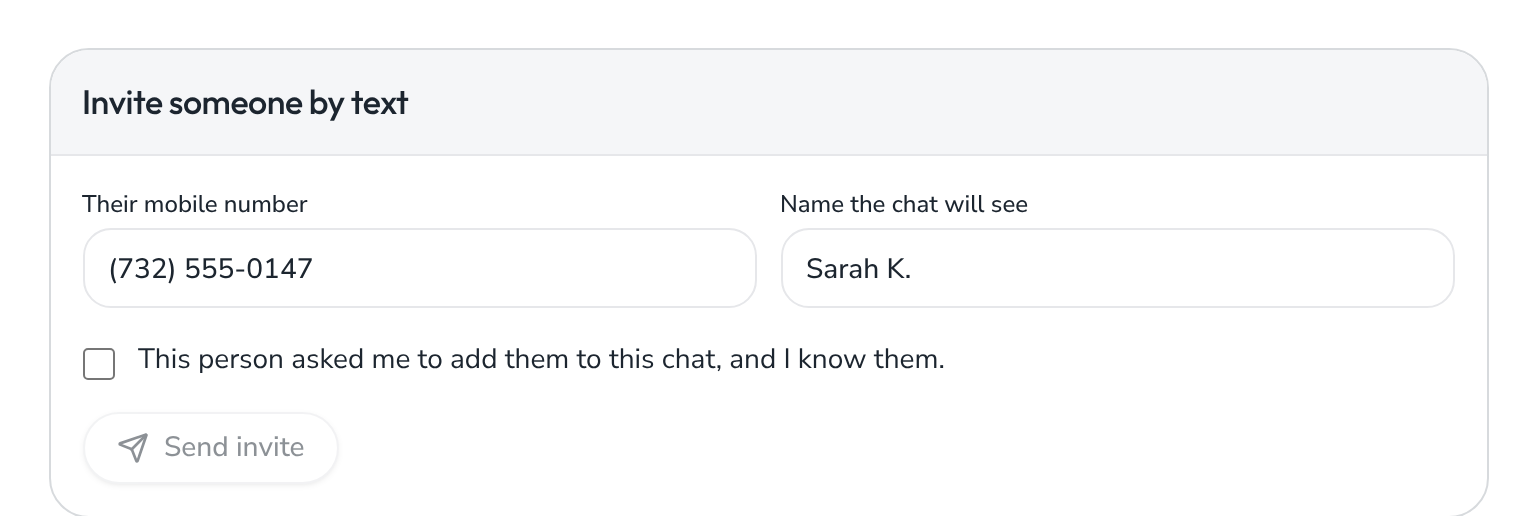
3. Ask a moderator.
The moderator enters your number and must tick: "This person asked me to add them to this chat, and I know them."
The invitation:
[Name], [Moderator] invited you to the [chat] group on Hey Neighbor.

Recurring chat texts; how many depends on how much your chats post (you may receive up to about 400 a month, incl. up to 60 sponsor msgs/month). Msg & data rates may apply. Reply STOP to stop or HELP for help.

Reply JOIN to join [chat].
After JOIN:
You've joined [chat] on Hey Neighbor. Recurring chat texts; how many depends on how much your chats post (you may receive up to about 400 a month, incl. up to 60 sponsor msgs/month).

Reply to participate. Text # for your commands.

Msg & data rates may apply. Reply STOP to stop or HELP for help.
Stopping: text STOP to a chat's number to stop all texts from that chat. HELP gets our contact information.
Hey Neighbor: text your chat's number to post, # for commands. Help: support@hey-neighbor.com. Msg freq varies. Msg&data rates may apply. Reply STOP to opt out.